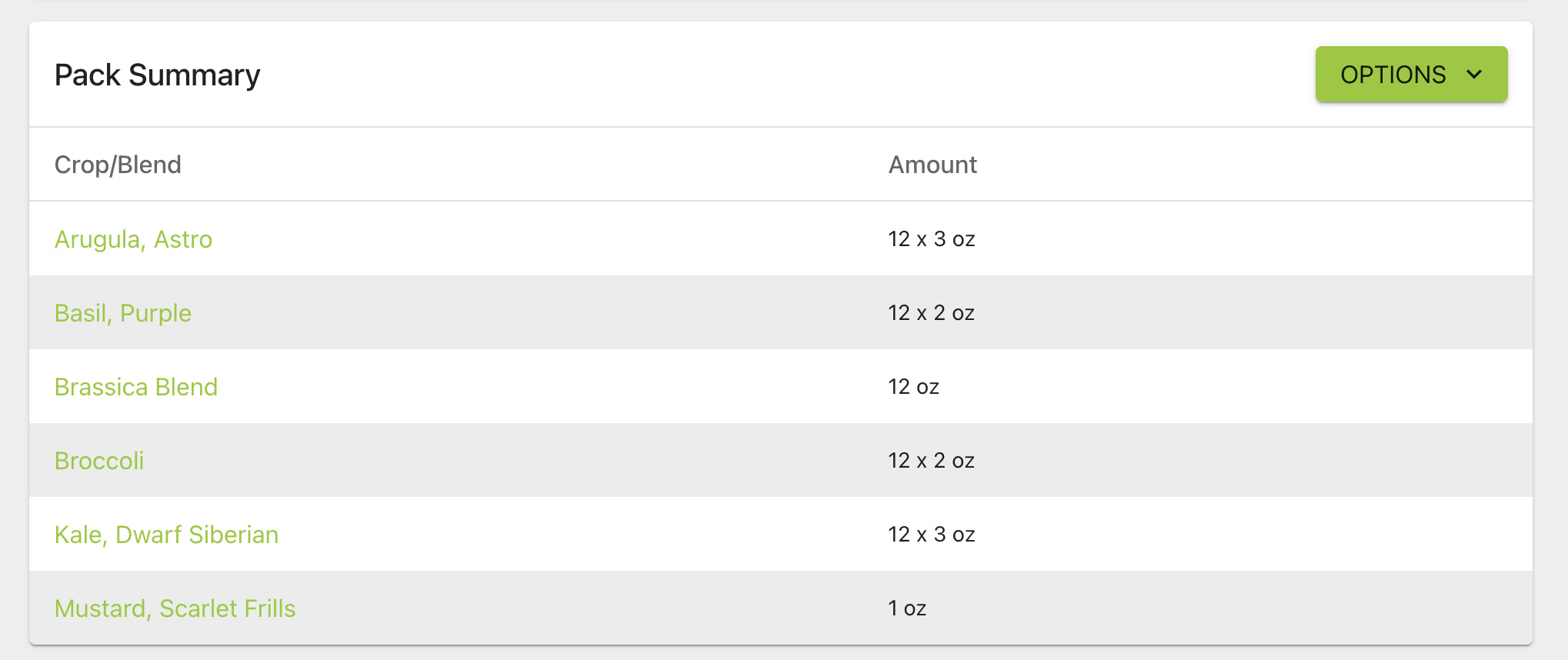
New Financial Report Page!
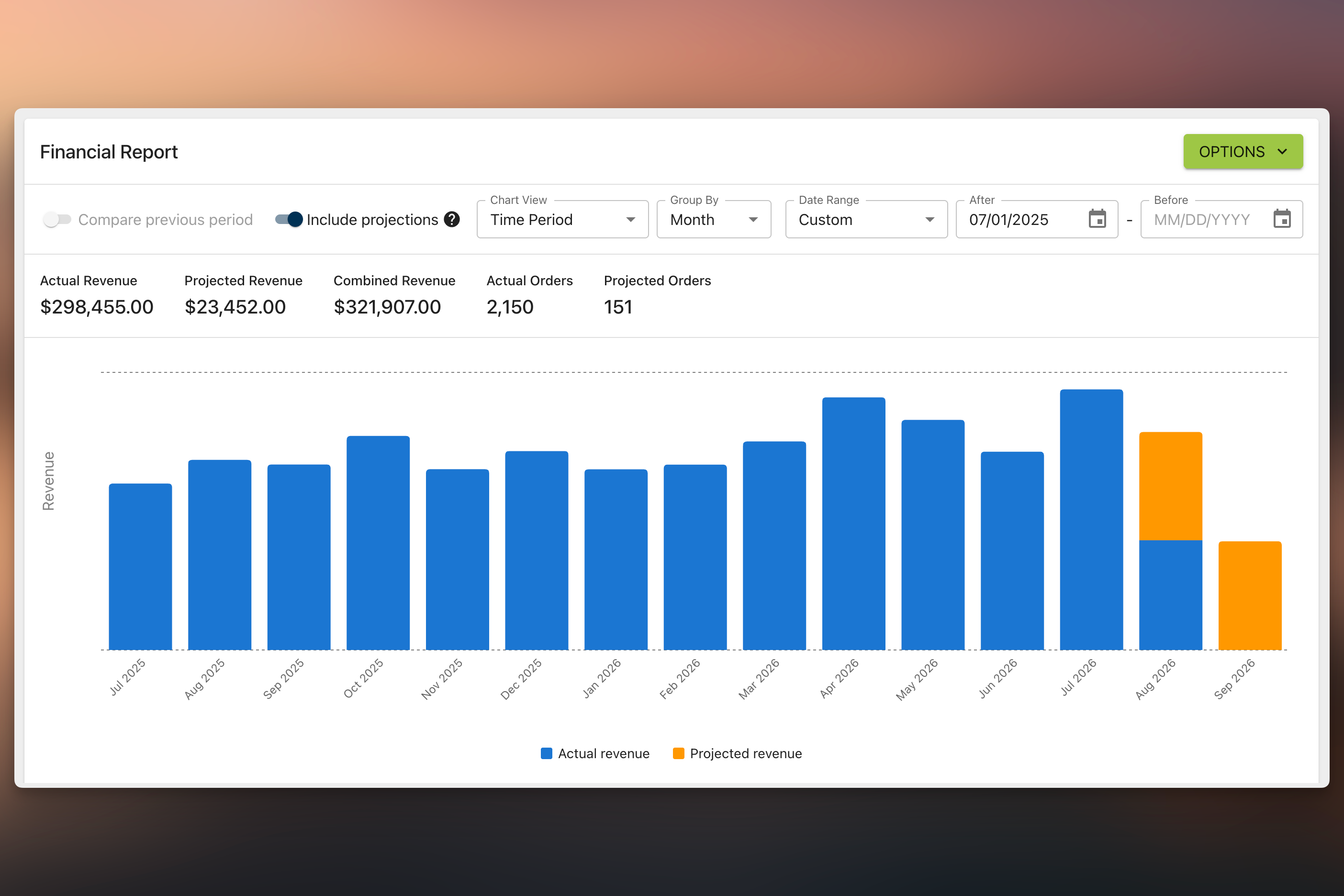
The Financial Report is a revenue dashboard for your orders. It shows completed-order revenue by time, customer, crop/blend, and product (including container size), with charts, summary tables, and CSV export.
You can filter by date range, group time series by week/month/quarter/year, and optionally compare against the previous period of equal length. Turn on projections to include planned and in-progress orders as upcoming revenue, separate from actuals. Charts can be filtered to a subset of series (for example top customers or products) without changing the tables.
This is just one more step towards giving you details financial reports and breakdowns of how your farm is doing.