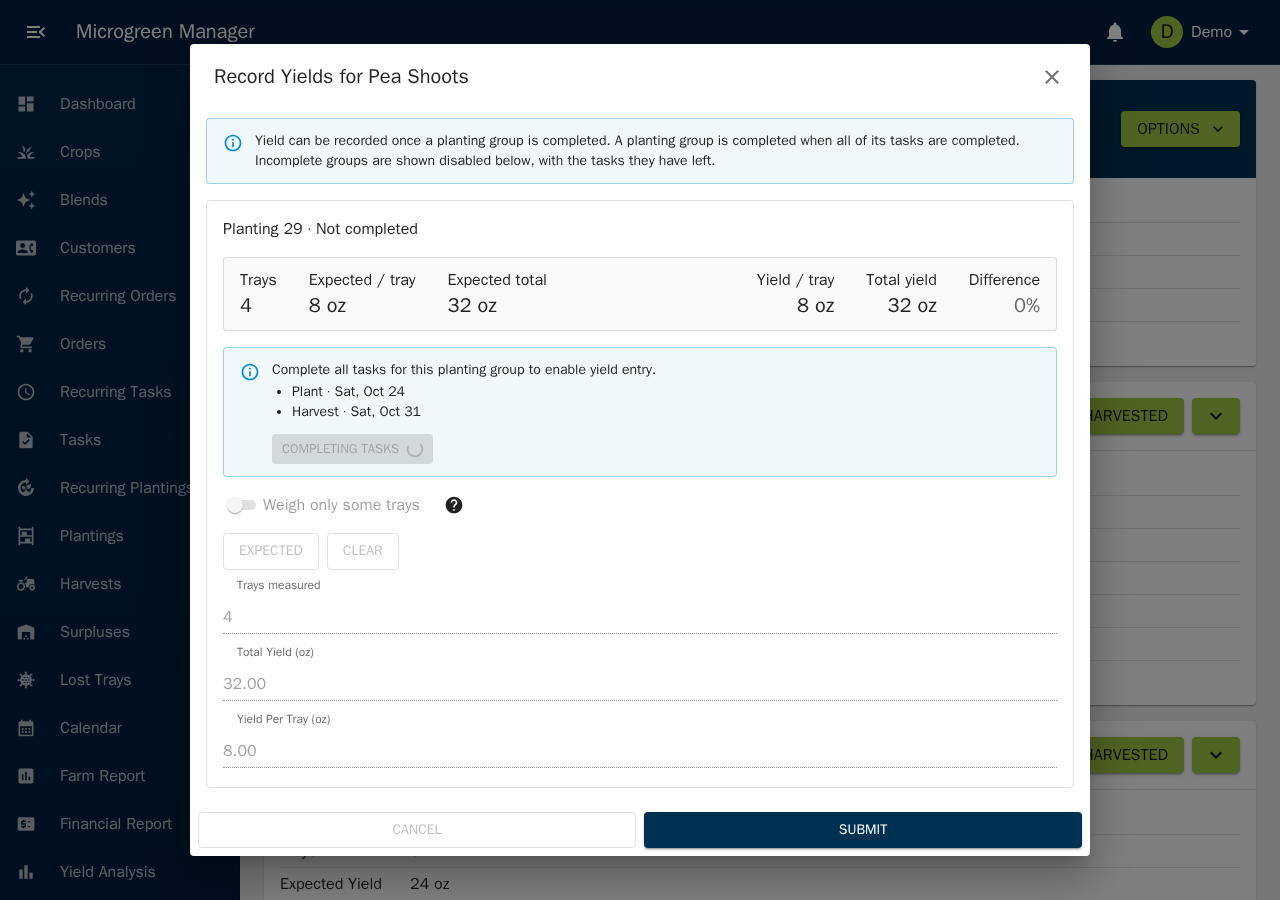
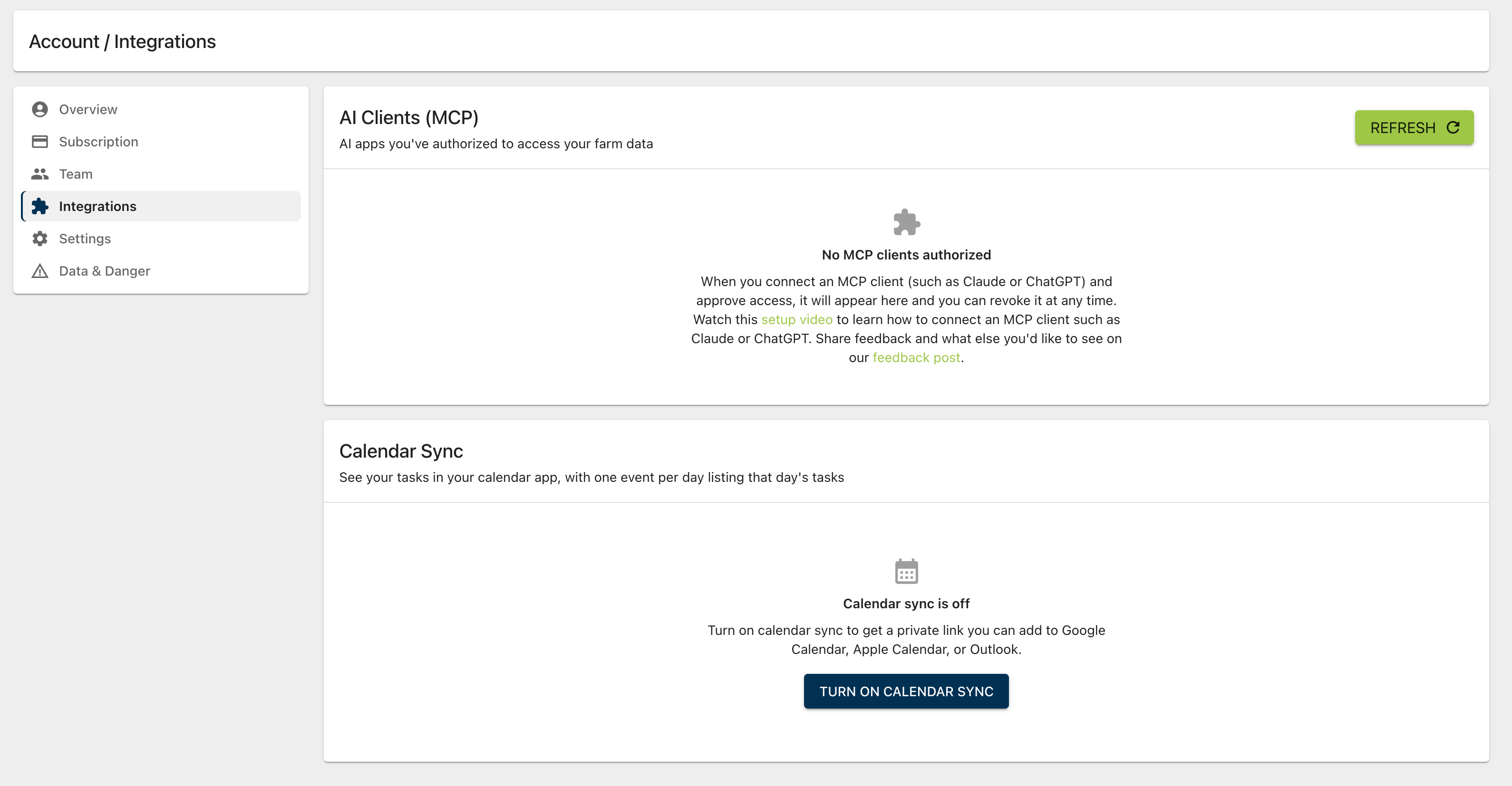
January 14th, 2026
New

You can now easily create labels intended for printing and adding to your trays! Go to a planting group (which represents a group of trays in the farm), go to βOptionsβ and youβll see a new option to create a QR code / label. This will open a dialog to customize what you want in your label and give you multiple options to copy, print, or download. The QR code is a simple URL that will open to the planting groupβs page in Microgreen Manager. Try it out and let us know what you think!
January 7th, 2026
New
A new Help Center has been added to assist users with getting the most out of Microgreen Manager and to address common issues.
January 1st, 2026
New
The harvest page now displays tray counts for blend allocations, providing better insights into resource management.
December 12th, 2025
New
Introduced task grouping on the dashboard to help users better organize and manage their tasks, improving their workflow overview.
December 4th, 2025
New
Added expansion capability to the calendar to better handle overflow, ensuring all events are visible and manageable.
December 4th, 2025
New
Added AI-powered summarize buttons to blog posts, allowing users to quickly grasp key points without reading the entire text.
December 3rd, 2025
Improved
Made several improvements to the mobile interface, including:
December 1st, 2025
New
Added new graph and date range presets to the farm report, providing better insights into farm operations over chosen periods.
November 21st, 2025
New
Introduced a new planting timeline to help users plan and organize their microgreen crops more effectively.
November 3rd, 2025
Improved