See your tasks in Google Calendar, Apple Calendar, and Outlook
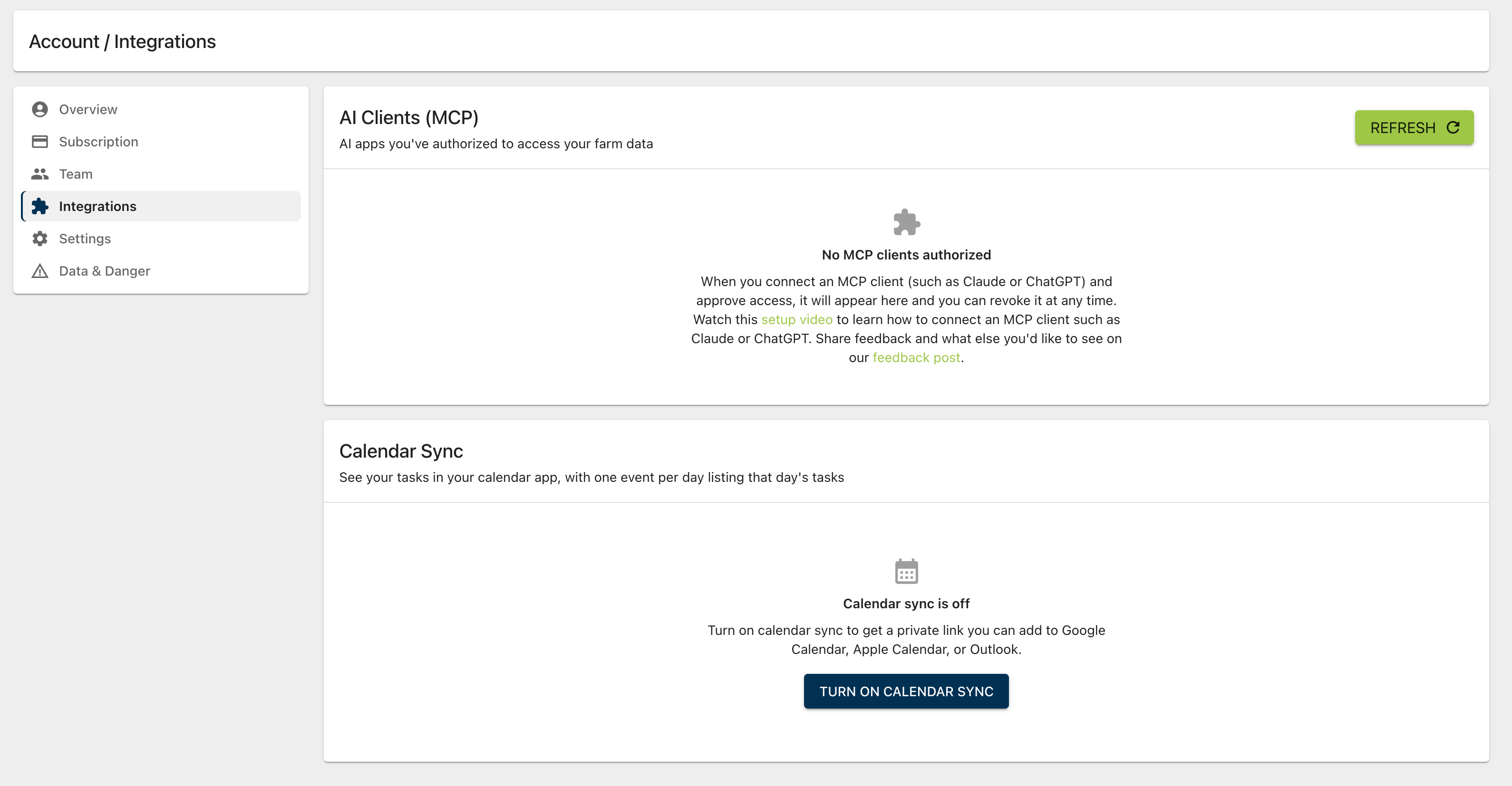
You can now sync your Microgreen Manager tasks to your calendar app. Go to Account → Integrations and turn on Calendar Sync to get a private calendar link. Use the Add to Google Calendar or Add to Apple Calendar buttons, or paste the link into Outlook or any calendar app that supports calendar subscriptions.
Each day with tasks shows up as one "Microgreen Manager Daily Tasks" event. It lists that day's tasks with their crops and tray counts, and each task links back to Microgreen Manager.
Your calendar covers the past 30 days and the next 180 days.
The calendar is read-only. Complete, move, or edit tasks in Microgreen Manager and your calendar picks up the changes.
Calendar Sync is available on the Startup and Pro plans.