Undo Plant Tasks
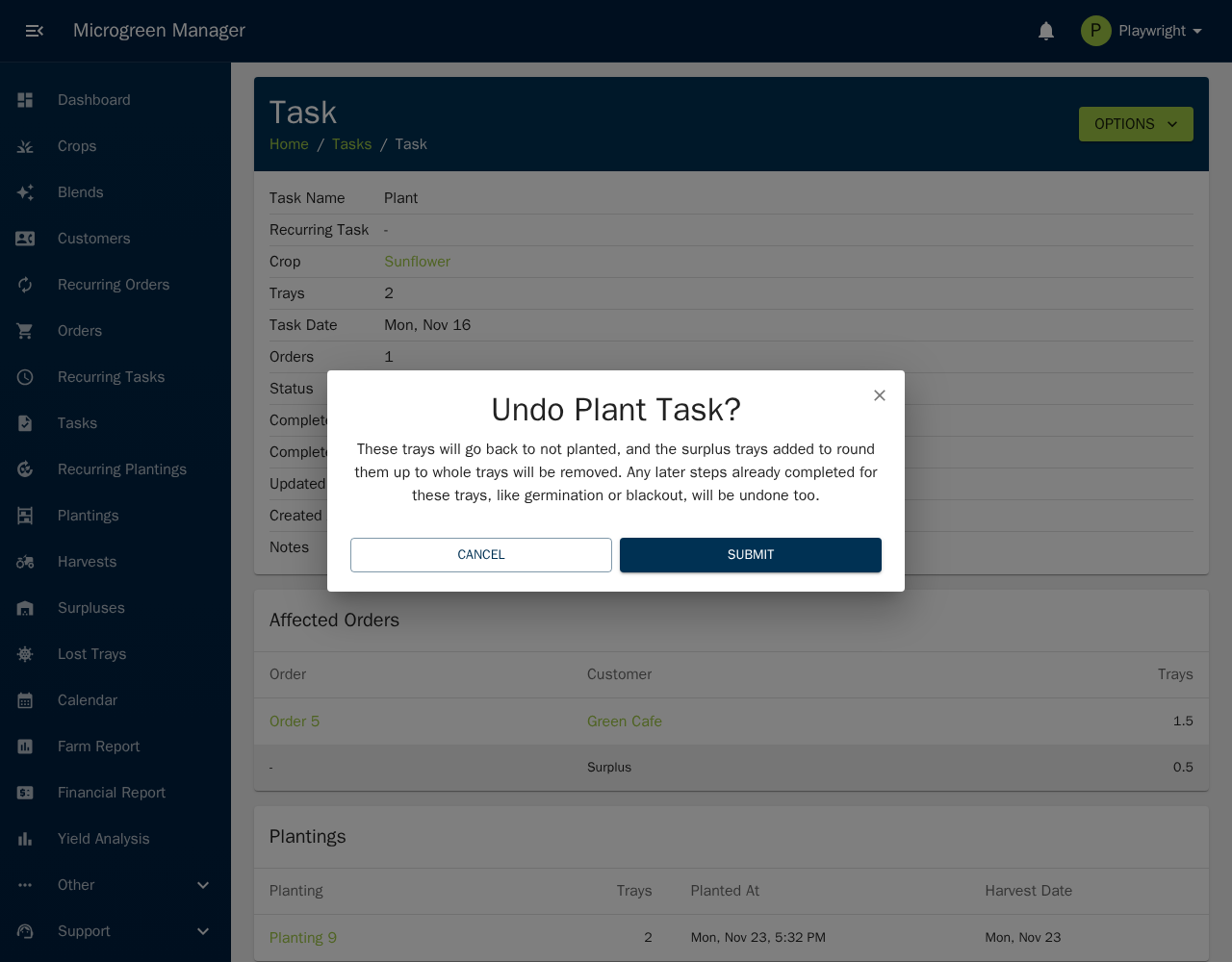
You can now undo a Plant task you marked complete by mistake. Until now, Plant tasks couldn't be undone at all.
How to use it
Open the Plant task, choose Options › Undo Task Completion, and confirm.
What gets undone
The trays go back to not planted.
The extra surplus trays added to round the planting up to whole trays are removed.
Any later steps you've already completed for those trays, like germination or blackout, are undone too.
When you can't undo a Plant task
Undo is meant for catching a mistake right away, so it isn't available once:
yield has been recorded for the trays
lost trays have been recorded for the trays
the rounded-up surplus trays have been used by an order or changed
Plant tasks completed before this update can't be undone.