Connect Zapier, Make, and Your Own Scripts with API Keys
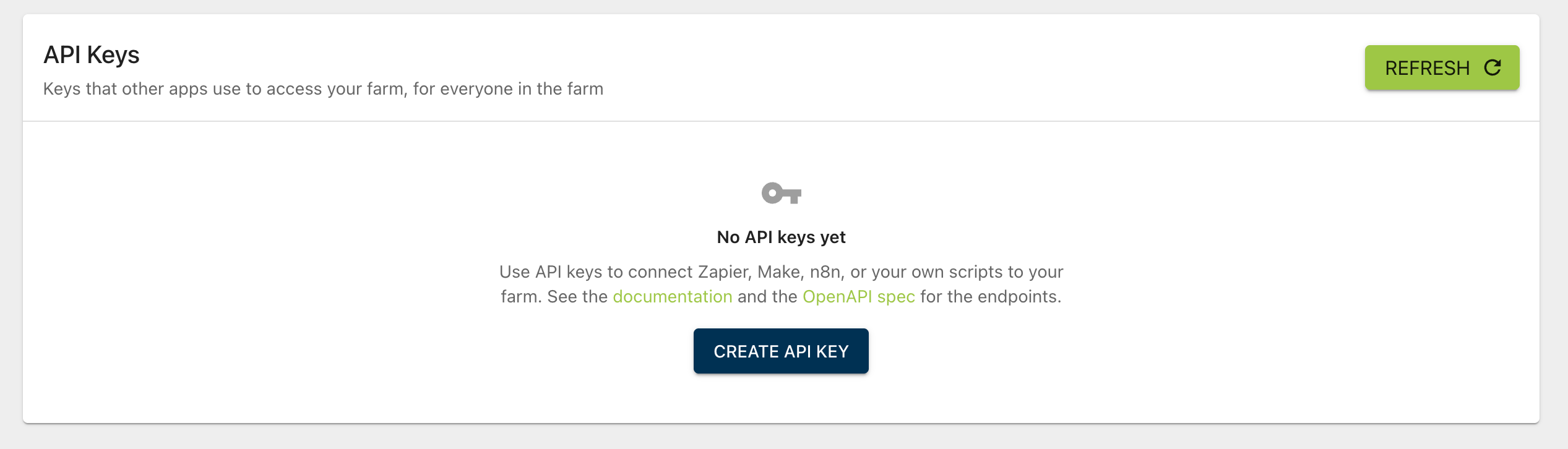
You can now connect Microgreen Manager to Zapier, Make, n8n, or your own scripts with API keys. Send orders from your website straight into Microgreen Manager, copy your orders into a Google Sheet every week, build a revenue dashboard, and more.
Create an API key
Go to Account › Integrations and click Create API key.
Give the key a name, like "Zapier website orders", and choose when it expires: 30 days, 90 days, 1 year, or never.
Choose what the key can access.
Copy the key with the copy button. It's only shown once, so store it somewhere safe, like your integration's settings or a password manager.
Choose what each key can access
For each part of your farm, like customers, orders, plantings, tasks, crops, the financial report, and yield analysis, choose None, Read, or Read & write. Use Read everything to give a key read access to everything you can see, or Clear to start over.
A key can never do more than you can in the app. If your own permissions change later, your keys follow them.
What the API can do
The API can do everything our AI assistant integration (MCP) can do with your farm data:
List, create, and edit customers, and add touchpoints
List and create orders, recurring orders, plantings, recurring plantings, tasks, and recurring tasks, with a preview that shows the trays, dates, and tasks before anything is saved
List and create crops and blends, and add products to them
Get your surplus, financial report, and yield analysis
List, create, and edit label layouts
For farm admins, manage team permissions and invites
The full list of endpoints is in our documentation and in the OpenAPI spec at https://microgreenmanager.com/api/v1/openapi.json, which you can import into tools like Postman.
Keep track of your keys
Farm admins see every key in the farm: who created it, when it was created, when it expires, and when it was last used. Admins can revoke any key.
Click the arrow on a key to see what it can access.
We'll email you a week before one of your keys expires, so you can swap in a new one before your integration stops.
Keys stop working when they're revoked or expire, when you reset your password, when you're removed from the farm, or when you lose the permission to manage API keys. We'll warn you before any of these.
New team permission
Team members need the new Can Manage API Keys permission to create keys. Farm admins always have it. Turn it on for others on the Team page.
Good to know
The API is included in the Pro plan and during your free trial.
Developers: send an
Idempotency-Keyheader with a unique value when creating something, and a retry with the same key gets the first response back instead of creating a duplicate.